Executors and update policies
Executors bind a source's release channel to a running service. First verify version filtering, runtime connectivity, and the target's support status.
Create and bind
- Create an executor, select a runtime connection, and discover targets.
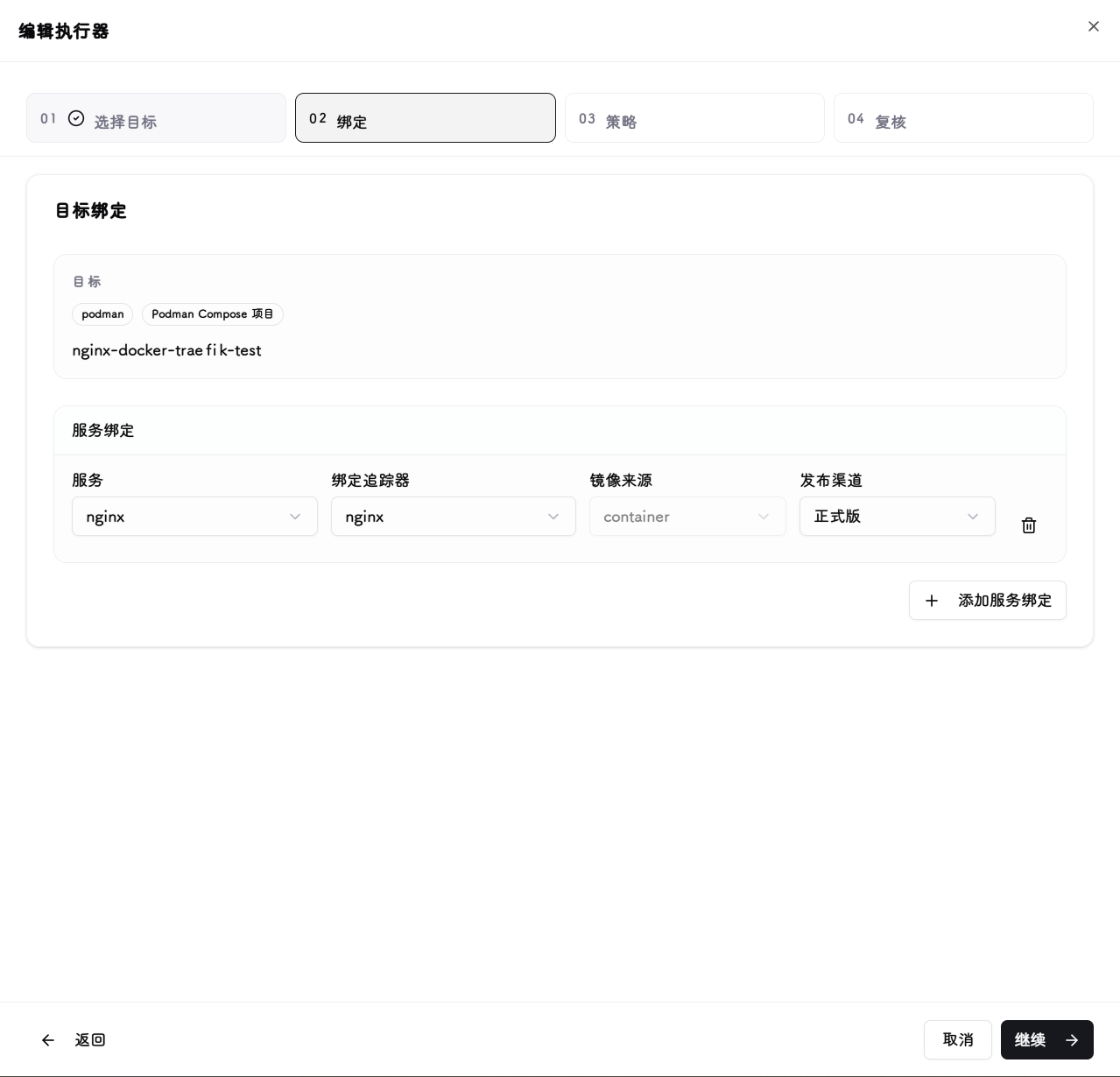
- Bind the target to a specific tracker source and release channel.
- Review each service binding for multi-service targets; do not accidentally point different services at the same image source.
- Start in manual mode. Review the target image or chart version before saving.
Triggers
| Mode | Execution behavior |
|---|---|
| Manual | Triggered explicitly in the UI |
| Immediate | Runs automatically when a new target version is detected |
| Maintenance window | Runs automatically only on allowed days and times, interpreted in the system timezone |
A maintenance window is not a fixed release schedule. A run can be skipped when no matching target version exists, configuration is disabled, or the target is already current. A manual run is an explicit action, not a request to wait for the window.
Image selection
| Policy | Use when |
|---|---|
| Replace current image tag | Keep the current registry/repository and use the source's version tag |
| Use tracker image and tag | Use the image repository configured in the OCI source |
| Digest reference | Pin a specific build when the source supplies a usable digest |
| Tag reference | Reference a version label; upstream can republish the same tag |
Image fields do not apply to Helm releases, which select chart versions. A matching Git tag does not guarantee that an image tag exists; check the repository and build publication rules.
Verify one update
Before running, check the target version, image policy, and service bindings. Afterwards, inspect run status, target versions, and per-service diagnostics in execution history, then check application availability.
- Enable Immediate or Maintenance Window only after a successful manual verification.
- See Health checks and rollback for validation and recovery.
- A write timeout does not mean nothing changed. Inspect runtime state before retrying; see Update timeout.